
Course Overview
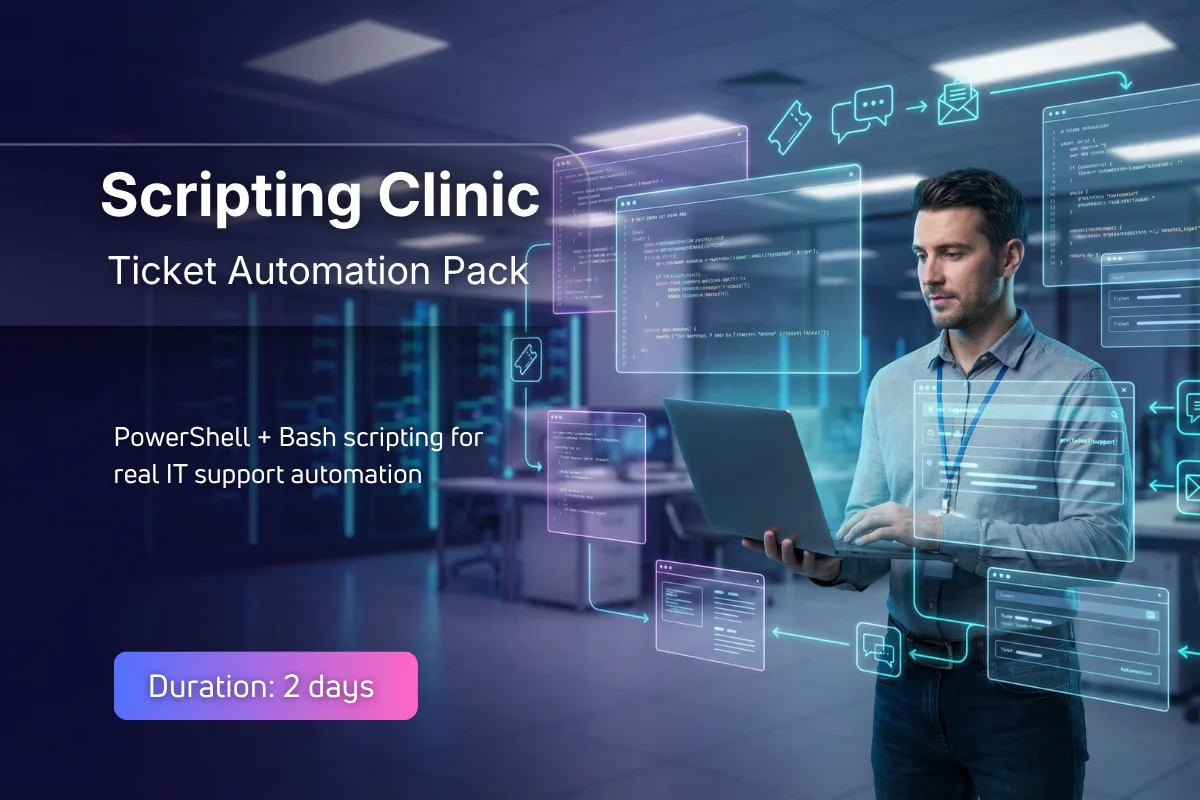
Modern IT support teams increasingly rely on scripting to automate repetitive ticket workflows and operational tasks. This practical scripting clinic focuses on building automation scripts that address common service desk tickets using both PowerShell and Bash. Through mentor-led sessions and practical scenarios, participants develop scripts that support everyday operational needs.
The programme focuses on realistic ticket scenarios such as user account checks, system health reporting, log collection, and bulk operational actions. Participants learn how to design simple scripts that reduce manual effort while maintaining operational safety. Emphasis is placed on clear scripting patterns, input validation, and documenting automation outcomes.
By the end of the programme, learners will have developed a practical automation toolkit that can be used in real IT environments. The course prepares participants to apply scripting confidently within support workflows and improve operational efficiency through automation aligned with modern IT operations practices.
Hands-On Learning
Hands-on labs building real ticket automation scripts using PowerShell and Bash.
Mentor-Led Sessions
Mentor-led sessions guide participants through realistic service desk automation scenarios.
Career-Ready Skills
Develop practical automation scripting skills used in modern IT support environments.
Learning Outcomes
Analyse service desk tasks suitable for automation
Design automation scripts for ticket workflows
Implement PowerShell and Bash operational scripts
Evaluate script reliability and operational impact
Communicate automation results to support teams
Lead safe scripting review and improvement practices
Prerequisites
Basic understanding of IT support operations.
Familiarity with Windows or Linux environments.
Basic command-line experience recommended.
Detailed Syllabus
Step-by-step learning journey from basics to professional practice
Topics Covered
- Overview of scripting environments
- PowerShell and Bash environment setup
- Safe automation practices for operations
Skills You'll Gain
Master these in-demand skills through hands-on practice
Career Progression
A clear view of the roles this programme supports, what typically comes next, and where learners progress over time
Ways to Learn
Choose the learning format that works best for you and your team
Live Online
Instructor-Led Training
Join live instructor-led sessions from anywhere. Interactive, engaging, and flexible.
- Live instructor interaction (real-time)
- Trainer-led walkthroughs and real examples
- Guided resources and session notes provided
- Structured Q&A and practical discussion
Price per person
Group enrolments and early planning options available.
All prices are exclusive of VAT where applicable. Group enrolments and custom packages available on request.
Prefer a Faster, Personalised Route into IT?
Not everyone learns best in a group. If you want focused guidance, faster clarity, and confidence you can use on the job, our 1-to-1 Fast-Track Training gives you private, mentor-led support tailored to your experience and goals.
"Many learners choose 1-to-1 when they want understanding, not memorisation."
Exam & Certification Information
Everything you need to know about the certification exams
Important Information
You will receive an Xcademia certificate of completion based on participation and successful completion of labs and scenario simulations.
Credential
Certificate of Completion
On successful completion of Scripting Clinic: Ticket Automation Pack (PowerShell + Bash), learners receive an Xcademia Certificate of Completion. This standalone certificate is issued directly by Xcademia and is aligned with globally recognised frameworks and best practices.
Frequently Asked Questions
Everything you need to know about this course
It is best suited for IT professionals with basic command-line familiarity who want to automate support tasks.
Ready to Start Your Learning Journey?
Take the next step in your professional development